
Resources and FAQ
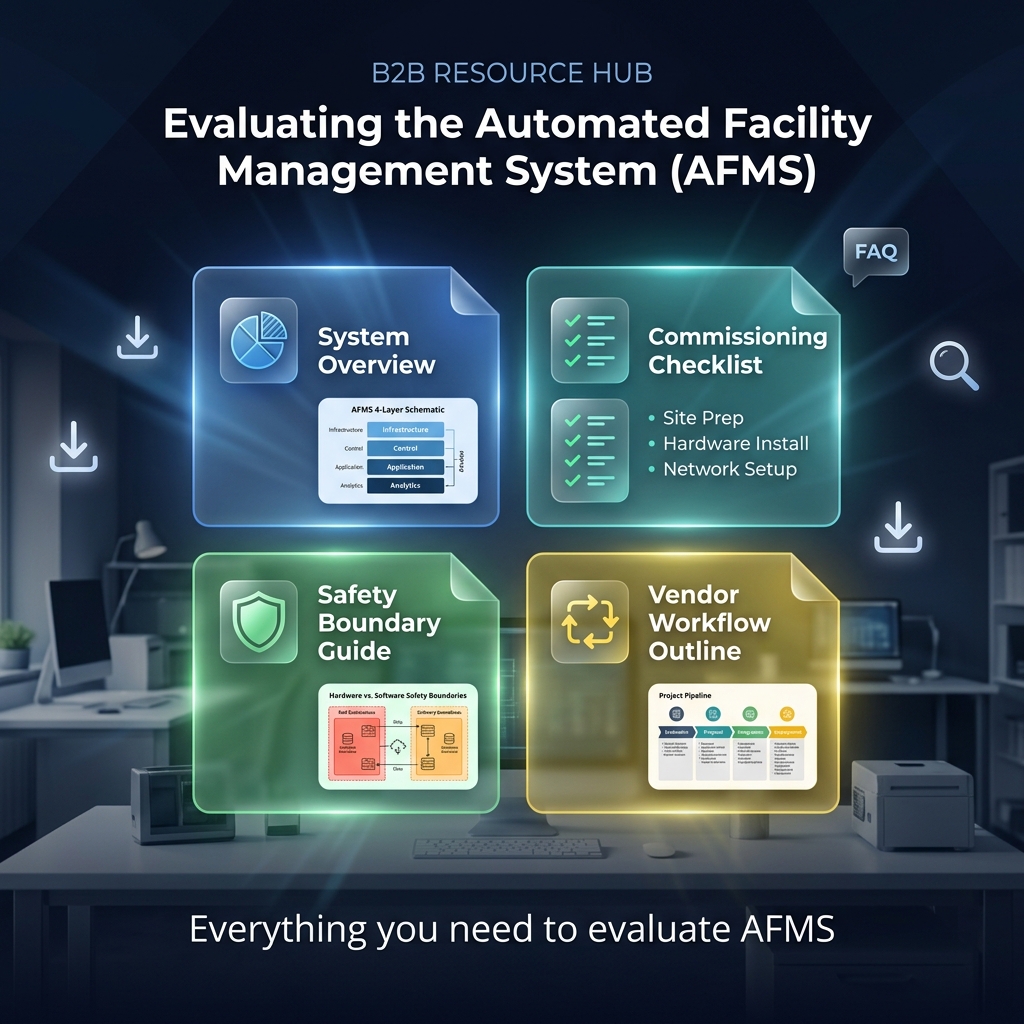
Everything you need to
evaluate AFMS.
Use this page for FAQ, workflow guidance, and starter downloads. The included files are intentionally lightweight placeholders so the site has working links before branded collateral is added.
Downloads
Starter files and guides
Safety boundary guide
Short reminder on digital holds versus installed hardware behavior.
Download file →Vendor workflow outline
Canonical request-to-reset status model for sales and product teams.
Download file →No. AFMS should be positioned as control + safety + inventory awareness + pickup coordination.
Physical stop or pump inhibit depends on Tank Control and installed hardware. The site should keep that boundary clear.
Gallons, photos, signatures, timestamps, incident notes, invoice or credit references, and closeout status.
No. AFMS can support spill workflow, documentation, and readiness, but it does not replace SPCC obligations.
Through authorized dealers and partners, not through direct hardware checkout.
Quick links
Useful starting points
Understand the full system
Use the product page for the four-layer AFMS architecture.
See the workflow story
Use the vendor page for request ownership, field proof, and closeout.
Clarify the safety boundary
Use the safety page to keep software hold states separate from installed hardware behavior.
Start dealer routing
Use the dealer page for quote, demo, install, or broader support routing.
Get started today
Stop researching. Start seeing the system in action.
Schedule a live demo with an authorized dealer, explore the full product architecture, or request a quote scoped to your site.